
This document is a guide to SATA hard disk installation and RAID configuration. It provides detailed steps for installing SATA hard disks and configuring RAID. The document introduces the SATA hard disks and RAID functions supported by the Intel P55 southbridge chipset, including RAID 0, RAID 1, RAID 10, RAID 5, and Intel Matrix Storage. It also provides basic knowledge about RAID and configuration guidelines.
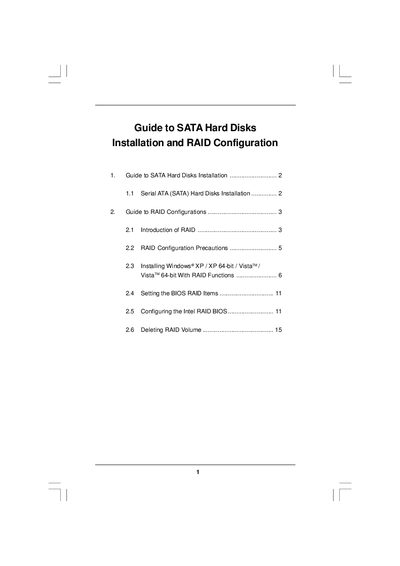
The document provides step‑by‑step instructions for installing Serial ATA (SATA) hard disks on motherboards that use Intel southbridge chipsets and for setting up various RAID levels. It covers BIOS configuration, driver preparation, and operating‑system installation with RAID support.
It also includes precautions, RAID level descriptions, migration procedures for a "RAID Ready" system, and details on using Intel Matrix Storage Manager software for managing RAID volumes.
| Maximum SATA channels | Four independent SATA channels |
|---|---|
| Minimum drives for RAID 10 | Four hard disk drives |
| Minimum drives for RAID 5 | Three identical hard disk drives |
Enter the BIOS Setup Utility, go to the Advanced screen, set “SATAII Configuration” to [Enhanced] and set “Configure SATAII as” to [RAID].
RAID 0 improves performance but provides no fault tolerance; hot‑plugging any drive can cause data loss.
Only one RAID partition can be created at a time under BIOS RAID; additional partitions must be created using the RAID utility in Windows.
You need an additional SATA/ SATAII hard drive with capacity equal to or greater than the existing drive, then use the Intel Storage Utility to create the RAID volume.