
This document provides an installation guide for the Instant Wireless® Series Wireless USB Network Adapter and includes information on copyright, trademarks, and limited warranty of the product.
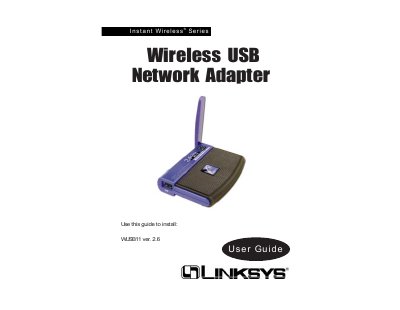
This guide introduces the Linksys Instant Wireless® Series WUSB11 USB network adapter, describing its features, hardware layout, and LED indicators. It explains the two network modes—Infrastructure and Ad‑hoc—and how to plan a wireless LAN.
The manual walks users through software installation for Windows 98/ME/2000, hardware installation, driver setup for Windows XP, and using the WLAN Monitor. Appendices cover troubleshooting, a glossary, detailed specifications, environmental data, warranty terms, and contact information.
| Dimensions | 3.58" x 2.8" x 0.9" (91 mm x 71 mm x 23 mm) |
|---|---|
| Weight | 2.12 oz. (0.06 kg) |
| Power Consumption | 260 mA (typical) |
| Transmit Power | 19 dBm (typical) |
| Receive Sensitivity | -85 dBm (typical) |
| Supported Channels | 11 (US/Canada), 13 (Europe), 14 (Japan) |
| Operating Temperature | 32 °F to 131 °F (0 °C to 55 °C) |
| Warranty Period | 1 year from date of purchase |
The adapter is covered by a one‑year limited warranty from the date of purchase.
For Windows XP you must install the hardware first and then run the driver installation; the setup wizard is not used.
In the United States and Canada the adapter supports 11 channels.
Typical transmit power is 19 dBm and receive sensitivity is –85 dBm.