
Wireless-G PrintServer User Guide, provides instructions on how to use the product, including notes of interest, cautions and warnings.
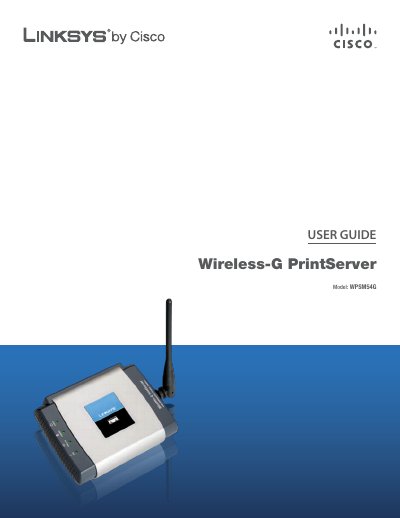
The Linksys Wireless‑G PrintServer WPSM54G lets you connect a USB printer to a network, enabling shared printing, scanning, faxing, and copying. The guide explains the hardware LEDs, reset button, and basic connections for power, Ethernet, USB, and wireless.
The manual covers using the PrintServer utility, accessing the web‑based configuration utility, advanced settings such as TCP/IP, SNMP, wireless security, and includes appendices for troubleshooting, specifications, warranty, regulatory information, and the software license agreement.
| Model | WPSM54G |
|---|---|
| Standards | IEEE 802.3, IEEE 802.11g, IEEE 802.11b, USB 1.1, USB 2.0 |
| Ports | Power, USB, Ethernet |
| Power | 5V, 2A |
| Antenna Gain | 3.3 dBi |
| Dimensions | 4.84" x 1.02" x 3.70" (123 x 26 x 94 mm) |
| Weight | 6.30 oz (180 g) |
| Operating Temperature | 32 to 104°F (0 to 40°C) |
| Certifications | FCC Class B, UL, CE |
Hold down the Reset button for ten seconds; the PrintServer will be reset to its factory default settings.
Open the Wireless tab > Security in the web‑based utility and select the desired security mode such as WPA2 Personal, then save the changes.
The default password is "admin"; you can change it on the Setup tab of the utility.
The device has one antenna.