
This document is a user guide for the RangePlus Wireless USB Network Adapter, model WUSB100. It describes the features and characteristics of the adapter.
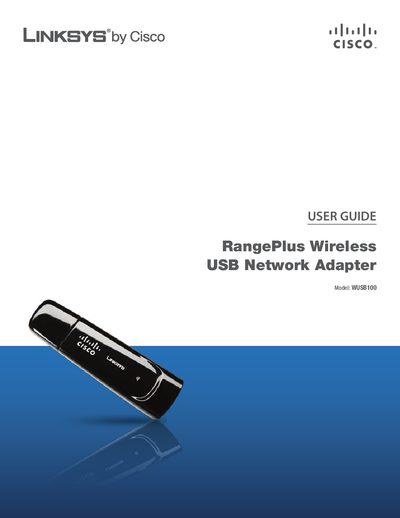
The Linksys WUSB100 RangePlus Wireless USB Network Adapter connects to a PC via a USB port and provides wireless network access. This guide explains the adapter’s LEDs, security recommendations, and how to configure the device using the Linksys Wireless Manager.
Detailed instructions cover changing the default SSID and password, enabling MAC filtering and encryption, and step‑by‑step procedures for searching, connecting to, and managing wireless networks. Appendices include specifications, warranty, regulatory information, and software license details.
| Default password | admin |
|---|---|
| LED indicator | Green LED flashes for network activity |