
This manual describes the features of the Linksys Wireless-G Access Point with Power Over Ethernet WAP2000.
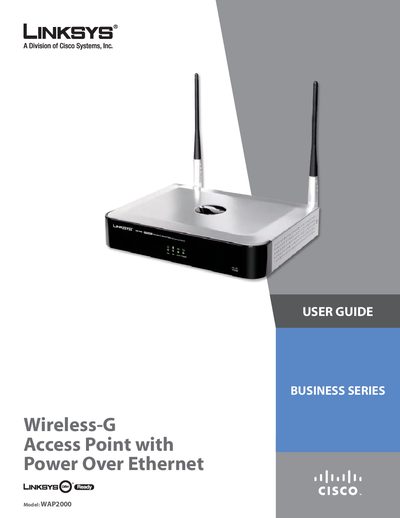
This guide introduces the Linksys WAP2000 Wireless‑G Access Point with Power over Ethernet, covering its features, network planning, and basic concepts. It explains how to integrate the device into a wired or wireless network, describes the front and back panel LEDs, antenna setup, and mounting options.
The manual details step‑by‑step installation, advanced configuration through the web‑based utility, security settings, specifications, warranty, regulatory information, and troubleshooting tips. Contact information and support resources are also provided.
Press the Reset button for more than ten seconds, or use the web‑based utility to restore factory defaults.
The Power LED shows the unit is powered, the PoE LED indicates power over Ethernet, the Wireless LED shows wireless activity, and the Ethernet LED reflects network connection status.
Yes, the Access Point can be powered using Power over Ethernet through its Ethernet cable.