
This document is about Linksys WRT54GS/GL router configuration instructions, introduces the router's interfaces and configuration methods.
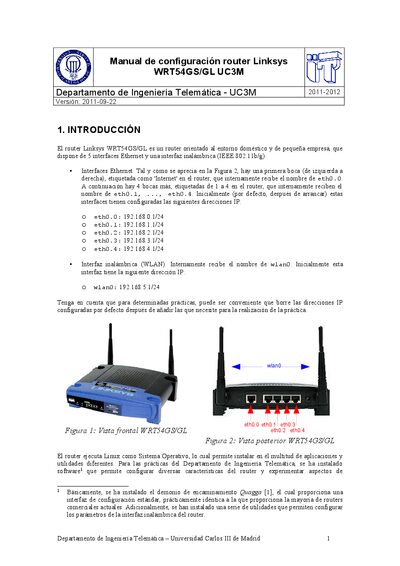
This manual describes the default hardware layout of the Linksys WRT54GS/GL router, including its five Ethernet ports and one 802.11b/g wireless interface. It also explains that the router runs Linux and has the Quagga routing daemon installed for advanced routing experiments.
The document provides step‑by‑step instructions for accessing the router via Telnet or SSH, configuring interfaces, static routes, and routing protocols such as RIP, OSPF and BGP. It includes command reference tables and examples of typical configuration commands. This manual is written in Spanish.
| Number of Ethernet interfaces | 5 |
|---|
Open a terminal on a PC connected to the router and run `telnet 192.168.1.1` (or the appropriate interface IP).
The router restores its default configuration each time it starts, so any changes are lost unless saved.