
This document is the user guide for Linksys SPA941 / SPA942 IP phones, providing information on the phone's features and quick reference for various operations.
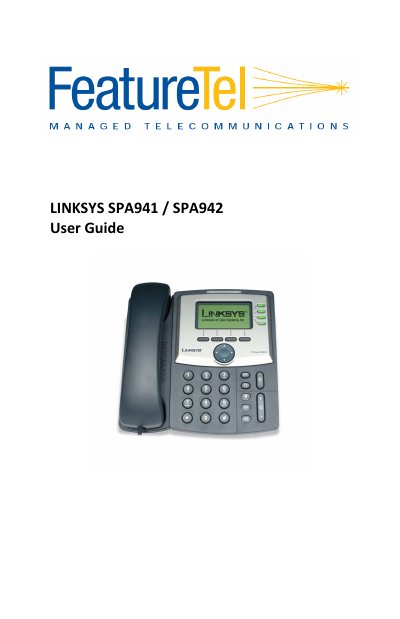
This guide covers the Linksys SPA941 and SPA942 IP phones, describing their LCD display, backlit screen (SPA‑942), second Ethernet port, and PoE support. It explains how to make calls, use speed‑dial, and access voicemail and other built‑in features.
Key sections include making and transferring calls, configuring call forwarding, call park, call waiting, conferencing, privacy guard, broadcast paging, and managing voice‑mail and distribution groups.
| Display | LCD screen |
|---|---|
| Backlit LCD screen | Yes (SPA‑942 only) |
| Second Ethernet port | Yes (SPA‑942 only) |
| Power over Ethernet (PoE) | Supported (SPA‑942 only) |
Dial the Outside Access Digit (usually 9) followed by 911.
Dial 72*, enter the destination number, then press # to confirm.
Dial *09 and follow the voice‑mail prompts.