
Introduces how to install SATA hard disk and create RAID configuration on Uli M1697 chipset motherboard
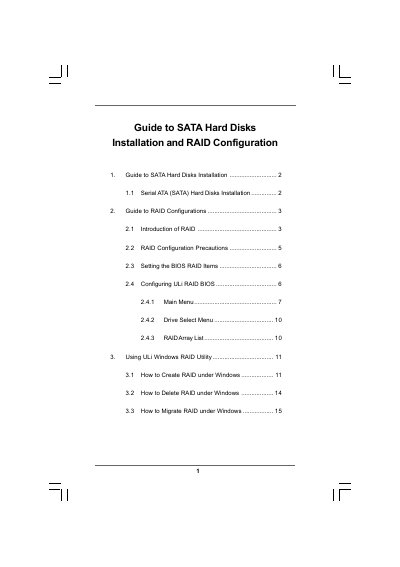
This guide explains how to install Serial ATA (SATA) hard disks on a motherboard that uses the ULi M1697 chipset. It covers the required BIOS settings and the steps to prepare the drives for use.
The document then details the creation, management, and removal of RAID arrays (RAID 0, RAID 1, RAID 0+1, RAID 5, and JBOD) using the ULi RAID BIOS and the Windows RAID utility, including precautions, stripe‑size options, and migration procedures.
| Supported RAID modes | RAID 0, RAID 1, RAID 0+1, JBOD, RAID 5 |
|---|---|
| Maximum drives for JBOD | 4 (minimum 2) |
| Maximum drives for RAID 5 | 4 (minimum 3) |
| BIOS SATA operation mode | RAID |
Enter the BIOS setup (press F2), go to Advanced, and set the SATA Operation Mode option to [RAID].
A RAID 5 array requires at least three drives; up to four drives are supported.
Open the ULi Windows RAID Utility, select the Delete RAID tab, move the desired RAID to the Selected RAID list, click OK, and confirm the deletion.
A JBOD array can contain up to four drives, with a minimum of two.