
This is a document describing the BIOS settings for the G41MH-LE3 motherboard
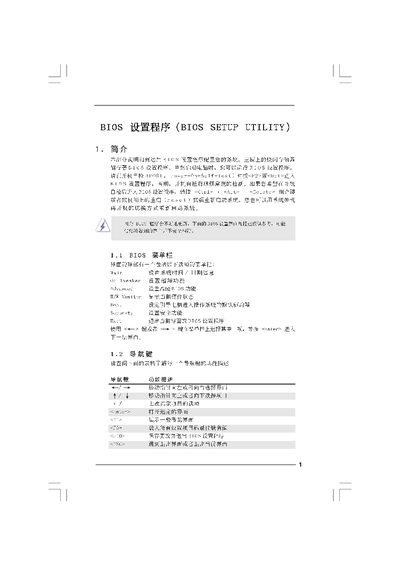
This manual explains how to access and navigate the BIOS Setup Utility, including the main screen, OC Tweaker, advanced settings, and security options. It provides step‑by‑step guidance for configuring CPU, memory, and chipset parameters, as well as saving or discarding changes.
The document also covers overclocking modes, voltage adjustments, and how to update the BIOS using the ASRock Instant Flash tool. Safety warnings and password management are included to help users avoid system malfunctions. This manual is written in Chinese.
| Cache Size | 1024KB |
|---|---|
| DRAM Frequency Options | 800, 1066, 667, 1828 MHz |
Press
Press F10 to save the configuration and exit the BIOS.
Press the key indicated for “Discard Changes and Exit” to leave without saving.