
This is a BIOS setup configuration file for AMD Athlon(tm) II X4 620 Processor (64bit)
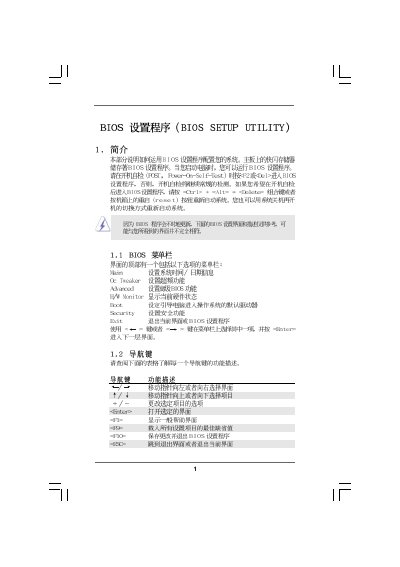
This manual provides step‑by‑step instructions for navigating the BIOS Setup Utility, including General Help, OC Tweaker, Advanced settings, and hardware monitoring. It describes how to change system time, configure CPU frequencies, memory timing, and boot options.
The document also covers security features such as supervisor and user passwords, as well as power‑saving and performance options. Each screen lists the keys to use (Enter, Tab, F1, F9, F10, ESC) and warns about risks of overclocking.
| BIOS Version | v02.54 |
|---|---|
| Processor Type | AMD Athlon(tm) II X4 620 |
| Processor Speed | 2600MHz |
| L1 Cache Size | 512KB |
| L2 Cache Size | 2048KB |
Press F9 to load defaults.
Press F10 to save and exit.
Select the Security menu, choose Change Supervisor Password, and follow the prompts.
In the Hardware Monitor screen, set the CPU Fan Setting to Enabled or Disabled.