
This file is a screenshot of the BIOS settings interface of a motherboard, which contains information about the motherboard's brand, model, CPU, memory, etc.
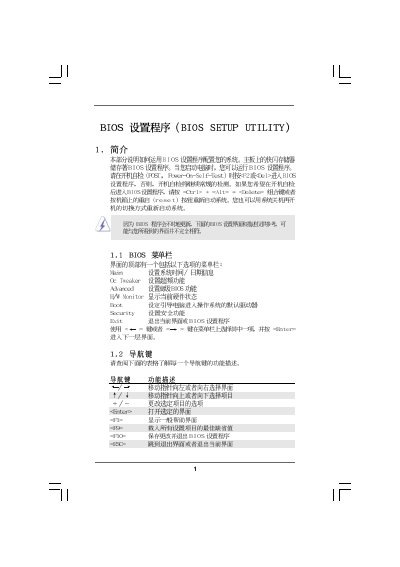
This manual provides an overview of the BIOS Setup Utility, describing how to navigate the interface, adjust system time and date, and view processor and memory information. It includes sections for OC Tweaker, hardware monitoring, boot configuration, and security settings, with instructions for each screen.
Key configuration areas covered are CPU frequency and voltage settings, DRAM timing parameters, hardware health monitoring (temperatures and fan speeds), password management, and boot device selection. The document also warns about overclocking risks and offers options to load default settings or save changes.
| BIOS Version | v02.54 |
|---|---|
| Processor Type | AMD Phenom II X3 720 |
| Processor Speed | 2800 MHz |
Use the [+] or [-] keys to configure the system Time field.
Press F9 to load the default BIOS configuration.
Select the Boot Settings screen and modify the 1st, 2nd, 3rd, and 4th boot device options.
Go to the Security screen, select Change Supervisor Password, and follow the prompts to install a new password.