
This is the BIOS setup screen of a motherboard. You can adjust the performance of CPU, memory, video card and other hardware
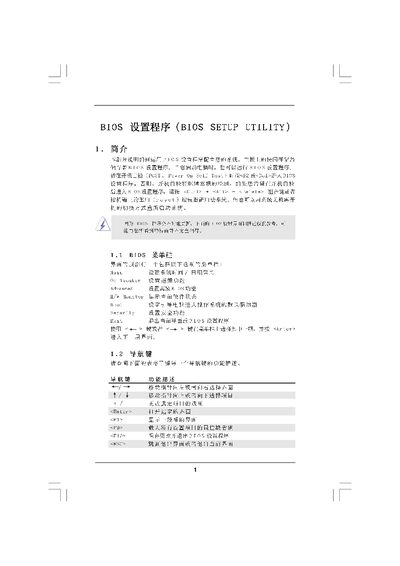
The BIOS Setup Utility manual provides step‑by‑step instructions for accessing the BIOS, viewing system overview information, and adjusting hardware parameters. It describes the main screen layout, system date/time settings, and the various menus such as OC Tweaker and Advanced.
Key sections cover CPU and memory overclocking, memory timing configuration, chipset options, boot device selection, security password setup, and the procedures for saving, discarding, or resetting changes. The document is intended for users who need to configure or troubleshoot motherboard firmware settings. This manual is written in Chinese.
| Processor Type | MD Phenom(tm) 11 X2 555 |
|---|---|
| Total Memory | 10240B |
| DDR3 Memory Speed | DDR3_A1 024B/667MHz |
| BIOS Version | Y02.54 |
Press during the Power‑On‑Self‑Test (POST) to launch the BIOS Setup Utility.
Use the Save and Exit option (or press F10) to store the configuration and leave the BIOS.