
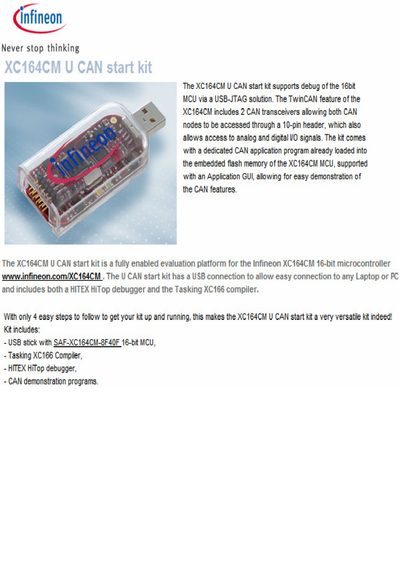
The XC164CM U CAN start kit is an evaluation platform for Infineon's 16‑bit XC164CM microcontroller, providing USB‑JTAG debugging and TwinCAN functionality with two CAN transceivers. It enables access to analog and digital I/O through a 10‑pin header and includes a pre‑loaded CAN application program with a GUI for demonstration.
The kit contains a USB stick with the SAF‑XC164CM‑OF40F MCU, a Tasking XC166 compiler, a HITEX HiTop debugger, and CAN demonstration programs. Setup is simplified to four easy steps, allowing quick connection to a laptop or PC via USB.
| Microcontroller | 16‑bit XC164CM |
|---|---|
| CAN Transceivers | 2 (TwinCAN) |
| Header | 10‑pin header for CAN nodes and I/O |
| PC Interface | USB connection |
| Debugger Included | HITEX HiTop debugger |
The kit can be set up in four easy steps.
It uses a USB connection for PC communication.
The kit includes a HITEX HiTop debugger.