
This document is the user manual of Brother QL-500/550 label printer, introducing how to use the printer, install software, create labels, etc.
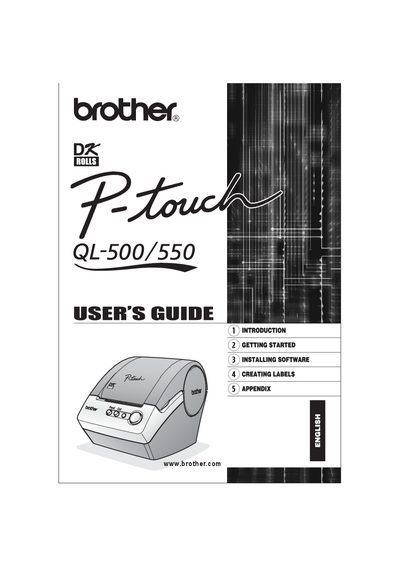
This guide introduces the QL-500/550 label printer, covering unpacking, component identification, power connection, and installation of DK rolls and paper guides. It also details software installation, compatible operating systems, and how to use the P‑touch Editor for creating various label types, including bar‑code and address labels.
Later sections cover label printing, saving, editing, and troubleshooting, followed by maintenance procedures such as cleaning the print head, roller, and cutter unit. The appendix lists technical specifications, warranty information, and service contact details.
| Printing speed | Max 90 mm/sec, 50 labels/min (standard address labels) |
|---|---|
| Maximum printing width | 2.3 in (59 mm) |
| Print head resolution | 300 dpi / 720 dot |
| Interface | USB 1.1 protocol |
| Power source | AC 120 V 60 Hz (0.8 A) |
| Dimensions | 5‑3/4" W × 7‑3/4" D × 6" H (146 × 196 × 152 mm) |
| Weight | Approx. 2.8 lb (1.3 kg) without DK rolls |
| Cutter type | Automatic cutter (QL‑550) / Manual cutter (QL‑500) |
Only Brother DK Die‑cut Labels or Brother DK Continuous Tapes may be used with the printer.
The printer can print up to 90 mm per second, or up to 50 labels per minute for standard address labels.
It requires an AC 120 V 60 Hz power source drawing about 0.8 A.