
This is a user manual for MFC-465CN, which introduces how to use the device's general information, loading originals and paper, general settings, security features, sending faxes, receiving faxes, etc.
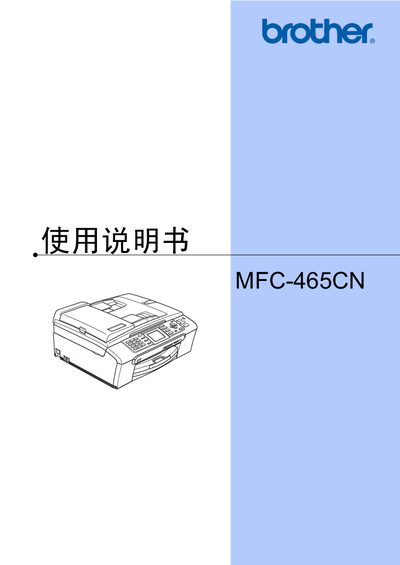
This manual covers the Brother MFC-465CN multifunction printer, detailing its hardware features, recommended consumables, and safety notices. It guides users through initial installation, loading paper and media, and configuring basic settings.
The document includes sections on fax sending and receiving, telephone functions, dialing and speed‑dial storage, advanced fax options, remote access codes, report printing, polling, copying, direct photo printing, software/network functions, safety regulations, troubleshooting, and routine maintenance. This manual is written in Chinese.
Brother does not guarantee best results with non‑original cartridges and will not cover damage caused by using them.
You can set and change the send‑lock password in the security settings section of the manual.