
MFC-9840CDW is a multi-function printer with features such as copying, faxing, and scanning. This document provides instructions and settings for the product, including paper loading, setting paper types and sizes, security functions, sending and receiving faxes, etc.
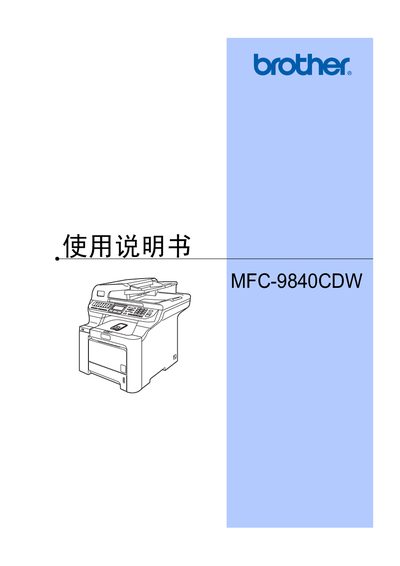
This manual begins with an overview of the MFC-9840CDW, describing the control panel, status indicators, and how to load paper and originals. It covers general settings such as paper type, size, and tray usage, as well as security features like administrator and user passwords.\n\nSubsequent sections detail fax functions, receiving faxes, telephone and external device connections, dialing and number storage, remote fax options, polling, printing reports, copying, direct printing from cameras or USB drives, software and network features, safety regulations, and optional accessories. This manual is written in Chinese.
Use the security lock settings to set the administrator password.
Select the fax mode and choose the option to send a single‑sided fax from the automatic document feeder.
The serial number is located on the back of the product.
Brother states the product may not function properly and they do not guarantee support when used outside the original purchase country.