
This is the user manual for MFC-5890CN and MFC-6490CW multi-function printers, introducing the features and characteristics of the products, including the use methods, installation methods, maintenance methods, etc
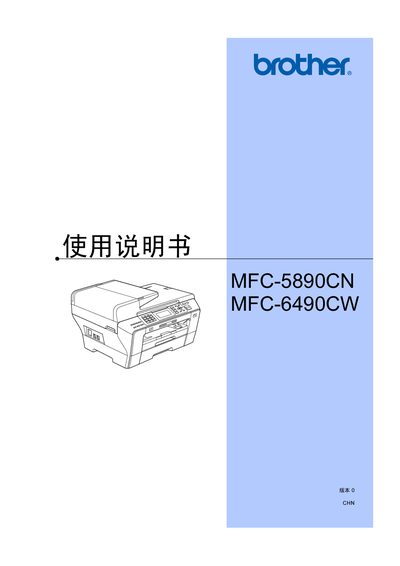
This manual covers the Brother MFC-5890CN and MFC-6490CW all‑in‑one printers, describing their hardware features, safety information, and required consumables. It guides users through initial setup, loading paper and media, configuring fax and telephone functions, and using the built‑in scanner and photo printing capabilities.
Detailed sections explain how to adjust settings such as power‑saving modes, paper size, copy quality, and network (LAN) configuration, as well as troubleshooting common errors and performing routine maintenance like cartridge replacement and cleaning. This manual is written in Chinese.
| Nozzle count (black) | 94 × 2 |
|---|---|
| Nozzle count (color) | 94 × 3 |
| Power supply | AC 220‑240V 50/60Hz |
Brother does not guarantee best results with non‑Brother cartridges and does not cover damage caused by them.
Place paper into paper tray #2 as described in the manual.
Connect a PictBridge‑compatible camera via USB or use the camera’s direct‑print function to print photos without a computer.