
This is the user manual of DCP-6690CW, covering the overview, loading paper and originals, general settings, copying, direct photo printing etc.
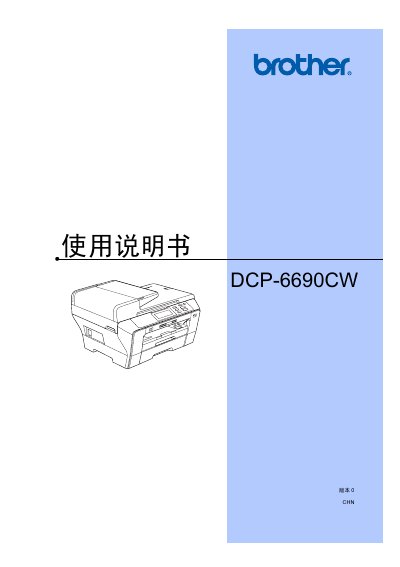
This manual covers the Brother DCP-6690CW all‑in‑one printer, describing its hardware features, paper handling, and user interface. It is organized into sections on loading paper and media, general settings, copying, direct photo printing, scanning, software and network functions, and safety regulations.
Additional chapters provide troubleshooting, routine maintenance, specifications, and a glossary of terms to help users keep the device running reliably and safely. This manual is written in Chinese.
| Supported paper size for photo printing | 10 × 15 cm |
|---|---|
| Recommended ink cartridges | Original Brother ink cartridges |
| Display language options | Multiple languages selectable via LCD menu |
Open the cartridge cover, press the lock release lever, remove the empty cartridge, unpack the new original Brother cartridge and insert it.
Yes. Insert the USB device, select the image capture mode, and follow the on‑screen prompts to print the photos.
Use the menu to select "更改液晶显示屏语言" and choose the desired language.