
This document is the user's guide for the Brother MW-145BT mobile printer, including operating precautions and instructions for the printer.
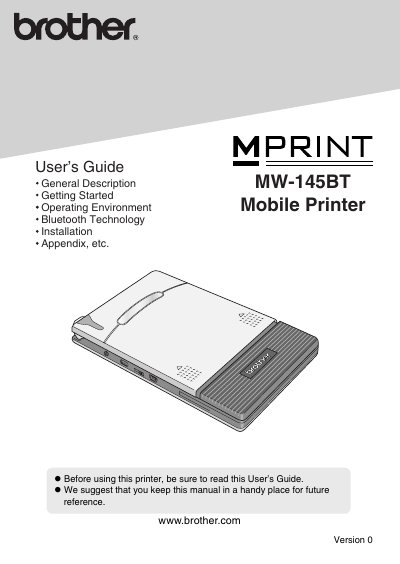
The MW-145BT is an ultra‑portable monochrome thermal mobile printer that connects to Windows Mobile devices or Windows PCs via Bluetooth for quick printouts. This manual explains how to install the printer, install the mobile printing software, and send data from a mobile device or PC.
Safety precautions cover battery handling, AC adapter use, and environmental restrictions. The guide also includes maintenance tips, troubleshooting steps, and full product specifications for the printer.
| Resolution | 300 dpi × 300 dpi |
|---|---|
| Print speed | 15 seconds per sheet (standard text) |
| Paper size | A7 (74 mm × 105 mm) |
| Dimensions | 100 mm × 160 mm × 17.5 mm |
| Weight | 300 g (0.66 lbs) |
It uses a rechargeable lithium‑ion battery.
The printer connects via Bluetooth to a Windows Mobile® device.
The printer provides a resolution of 300 dpi × 300 dpi.