
This is a user's guide for Brother mobile printer PocketJet PJ-522/523/562/563. The guide provides instructions for setting up and using the printer, as well as installing software and accessing advanced features.
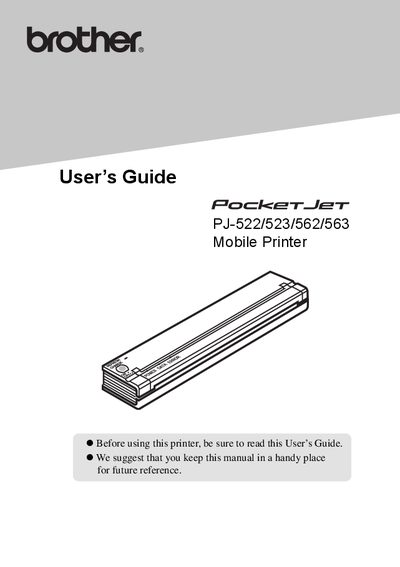
This guide covers the Brother PocketJet series of ultra‑mobile thermal printers (models PJ‑522, PJ‑523, PJ‑562, and PJ‑563). It explains how to set up power options, install drivers, and use the printer’s features across Windows, USB, Bluetooth, and IrDA interfaces.
The manual is organized into chapters on setting up the printer, using it, paper handling, maintenance, reference tables, troubleshooting, and technical specifications. It also includes safety and environmental information, battery‑charging procedures, and details on indicator‑light meanings.
| Model Name | PJ-562 / PJ-563 |
|---|---|
| Dimensions | 255 mm (W) × 55 mm (D) × 30 mm (H) |
| Weight | Approximately 395 g (excluding battery, paper) |
| Printing Method | Direct thermal printing |
| Print Speed | Average 24 sec/page (12.4 mm/sec) |
| Resolution | 203 × 200 dpi (PJ‑562) / 300 × 300 dpi (PJ‑563) |
| Power (optional) | Rechargeable Ni‑MH Battery 14.4 V; AC adapter 15 V; Car adapter (cigarette plug or wired) |
With the printer off, press and hold the main switch for two or more seconds until the POWER indicator begins to blink; it will stay blinking until charging is complete.