
Uniscan C2000 scanner user manual, introduces the scanner installation, use and maintenance methods.
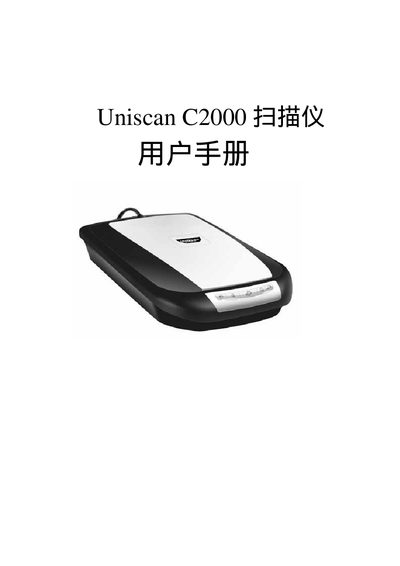
This manual guides users through installing the Uniscan C2000 scanner, including hardware connections, driver installation via the InstallShield wizard, and basic operation of the device. It also covers software setup, USB interface details, and troubleshooting tips.
The document includes sections on hardware specifications, power requirements, USB 2.0/1.1 compatibility, and step‑by‑step instructions for configuring the scanner on Windows systems. Users can find quick reference tables and safety information throughout the guide.
| Power Supply | 24 V |
|---|---|
| USB Interface | USB 2.0 (compatible with USB 1.1) |
The scanner supports USB 2.0 and is also compatible with USB 1.1 ports.