
Uniscan B720 Utility User Guide, introduces how to use Uniscan B720 scanner and its functions, including scanning, copying/printing, faxing, OCR (optical character recognition), emailing and custom functions.
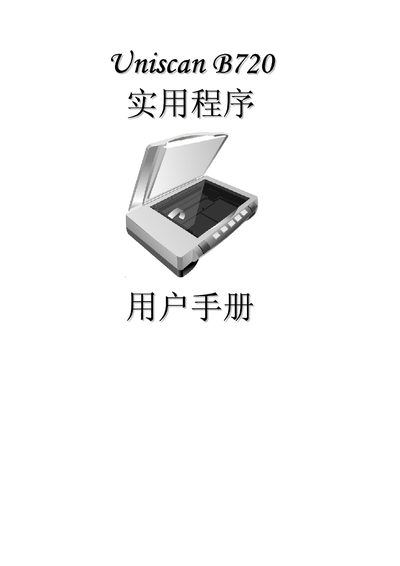
The Uniscan B720 manual provides step‑by‑step instructions for setting up the scanner, configuring software interfaces, and performing routine scans. It includes details on connecting the device via USB and using the TWAIN driver for compatible applications.
Additional sections cover basic operation, maintenance tips, and troubleshooting common issues such as connectivity problems and scan quality adjustments.