
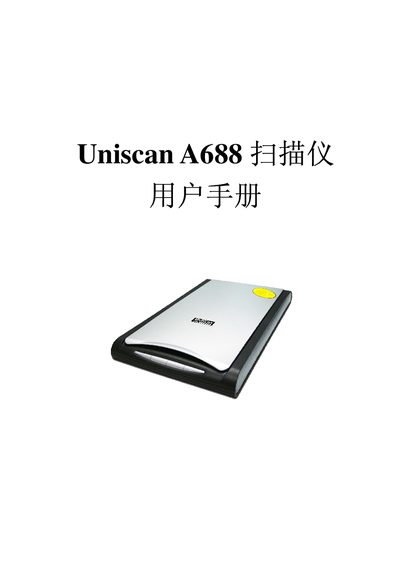
This manual guides you through installing and configuring the Uniscan A688 flatbed scanner, including unpacking, connecting the USB cable, installing driver software, and testing the device. Detailed steps cover the protective lock, software installation, and connection procedures.
It also explains how to use the scanner’s functions such as OCR, e‑mail, copy, and scan buttons, and provides information on the TWAIN interface, image adjustment settings, and technical specifications for optimal performance. This manual is written in Chinese.
| Scanner type | Flatbed scanner |
|---|---|
| Interface | USB 2.0 |
| Scan size | 216 mm × 297 mm |
| Optical resolution | 4800 dpi (V) × 1200 dpi (H) |
| Maximum resolution | 24000 dpi (V) × 24000 dpi (H) |
| Color depth | Color 24‑bit/48‑bit, Gray 8‑bit/16‑bit, B/W 1‑bit |
| Operating temperature | 5 ℃ – 35 ℃ |
First install the driver software from the supplied CD, then connect the scanner to the PC via the USB cable and follow the on‑screen prompts.
The scanner provides an optical resolution of 4800 dpi vertical by 1200 dpi horizontal.
It consumes 15 W and operates on AC 220 V ± 10 % 50 Hz, with a regulated DC 12 V 1.25 A supply.