
This document is the user manual for Uniscan F22A scanner, including installation, connection, usage, and maintenance instructions.
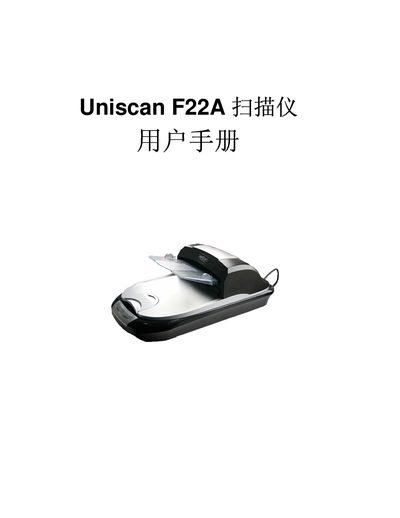
This manual covers the basic installation steps for the Uniscan F22A scanner, including power connection, USB interface setup, and driver installation using the provided InstallShield Wizard. It also explains how to configure the scanner for use with Windows and provides basic operating guidance.
Additional sections address troubleshooting common issues, such as USB communication problems and driver errors, and include reference tables for power specifications and supported USB standards.
| Power Input | 24 V, 1.25 A |
|---|---|
| USB Interface | USB 2.0 |
Run the Uniscan F22A InstallShield Wizard and follow the on‑screen prompts to install the driver.
The scanner needs a 24 V power source delivering up to 1.25 A.