
Key facts
- Manuals
- 20
- Models
- 3
- Categories
- 1
- Languages
- ZH · EN
- Last added
- 2012-04-01
Uniscan models by category
Featured Uniscan manuals
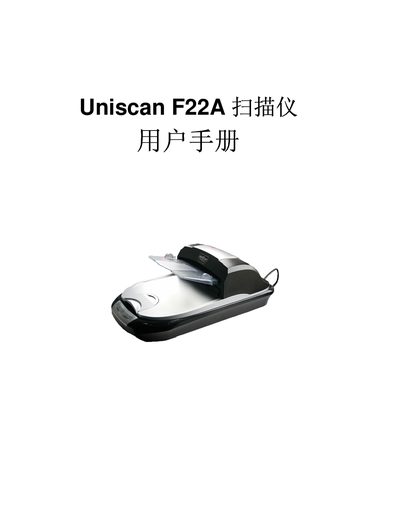
Uniscan F22A Scanner User Manual
This manual explains how to install the Uniscan F22A automatic document feeder scanner, including unpacking, connecting the power adapter, USB cable and installing the driver software from the supplied CD. It also covers the initial setup of the Smart panel and TWAIN interface.
The guide details normal scanning procedures such as scanning single pages, using the automatic document feeder for multi‑page or up‑to‑5‑meter documents, and adjusting image settings like brightness, contrast, gamma and sharpening. Maintenance tips and basic troubleshooting are included. This manual is written in Chinese.
Covers: Installation and Connection · Software Installation · USB Connection · Scanning Operations · Automatic Document Feeder · Image Adjustment Settings
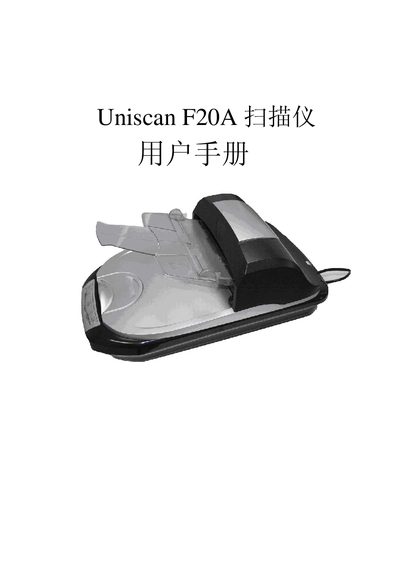
Uniscan F20A Scanner User Manual
This manual guides users through installing the Uniscan F20A scanner using the provided InstallShield Wizard. It covers the software installation steps, driver setup, and initial configuration.
The document also describes the scanner’s USB 2.0 interface, power requirements (24 V 1.25 A), and includes troubleshooting tips and technical specifications.
Covers: Installation · Software Setup · USB Interface · Troubleshooting · Technical Specifications
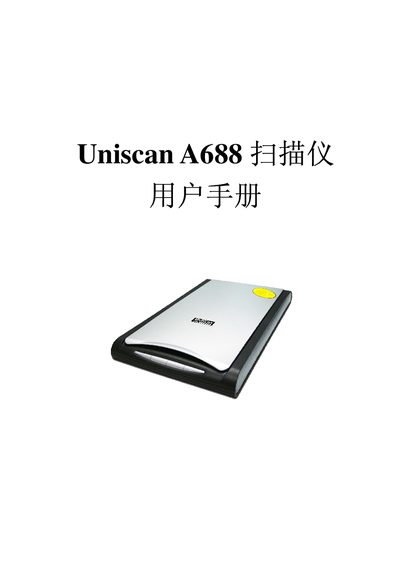
Uniscan A688 Scanner User Manual
This manual guides you through installing and configuring the Uniscan A688 flatbed scanner, including unpacking, connecting the USB cable, installing driver software, and testing the device. Detailed steps cover the protective lock, software installation, and connection procedures.
It also explains how to use the scanner’s functions such as OCR, e‑mail, copy, and scan buttons, and provides information on the TWAIN interface, image adjustment settings, and technical specifications for optimal performance. This manual is written in Chinese.
Covers: Installation and Setup · Operation and Maintenance · Button Configuration · TWAIN Interface · Specifications
Latest Uniscan manuals
Uniscan e43 Real Use program user manual
Uniscan A686 Scanner user manual
Uniscan A686 is a multi-function scanner that can scan documents, photos, business cards, etc. It supports automatic page turning, automatic correction, automatic rotation, and can be connected to computers, mobile phones, etc., and is easy to use
Uniscan A688 Scanner user manual(1)
This is a scanner user manual, which introduces the installation, use and maintenance methods of the scanner
Uniscan Scanner user manual
Uniscan A780 scanner is a USB interface flatbed scanner, using advanced optical engine, can scan documents, photos, films and other originals, with fast scanning speed, high resolution, clear images, easy to use and other features.
Uniscan A900 Scanner user manual
This manual introduces the installation, use and maintenance methods of Uniscan A900 scanner.
Uniscan B600 Scanner user manual
This manual introduces the use of Uniscan scanner, including installation, use, maintenance and scanning tips.
Uniscan B720 Real Use program user manual
Uniscan B720 Utility User Guide, introduces how to use Uniscan B720 scanner and its functions, including scanning, copying/printing, faxing, OCR (optical character recognition), emailing and custom functions.
Uniscan B780 Scanner user manual
This manual is the work of Tsinghua Unisplendour Corporation Limited, which introduces the installation, configuration, use, and maintenance methods of their color scanner. It also emphasizes the safety precautions when using the scanner.
Uniscan B800 Real Use program user manual
Uniscan B800 utility user manual, introduces how to install, connect, use, configure Uniscan B800 scanner
Uniscan B880\B980\C880\E70 Scanner user manual
Uniscan B880/B980/C880/E70 Scanner is a multi-functional, high-performance desktop flatbed scanner, which can be widely used in home, office, education, medical and other fields.
Uniscan C2000 Scanner user manual
Uniscan C2000 scanner user manual, introduces the scanner installation, use and maintenance methods.
Uniscan C600 Scanner user manual
This manual is about the usage of a color scanner produced by Tsinghua Unisplendour Corporation Limited. It includes instructions on installation, configuration, usage, and maintenance of the scanner.
Uniscan C820 Real Use program user manual
Uniscan C820 is a practical scanner with advanced features. It can scan color and black-and-white photos, negatives, and provides OCR (Optical Character Recognition) software. It also supports functions such as copying, printing, emailing, and allows customization of applications for post-processing.
Uniscan D50 Scanner Manual
This is the user manual of Uniscan D50 color scanner, which introduces the appearance, installation, use method, troubleshooting and other contents of the scanner.
Uniscan e46 Real Use program user manual
This document provides instructions and features of the Uniscan e46 utility program, including scanning, copying, printing, OCR, and email functions. It also offers solutions to common issues.
Which document do I need?
User Manual
Day-to-day operation, settings and troubleshooting. Start here if the product is already set up.
Questions answered in Uniscan manuals
How do I install the scanner driver?
Insert the supplied CD, run SETUP.EXE and follow the Install Shield Wizard prompts to install the driver.
Can the scanner handle multi‑page documents?
Yes, the automatic document feeder can scan multi‑page documents up to 5 mm thick and up to 5 m in length, storing them as a single file.
How do I install the Uniscan F20A scanner?
Run the Uniscan F20A InstallShield Wizard and follow the on‑screen prompts to install the driver and software.
What type of USB connection does the scanner use?
The scanner connects via a USB 2.0 interface and requires a 24 V 1.25 A power supply.
How do I install the Uniscan A688 scanner?
First install the driver software from the supplied CD, then connect the scanner to the PC via the USB cable and follow the on‑screen prompts.
What is the optical resolution of the Uniscan A688?
The scanner provides an optical resolution of 4800 dpi vertical by 1200 dpi horizontal.