
This is a scanner user manual, which introduces the installation, use and maintenance methods of the scanner
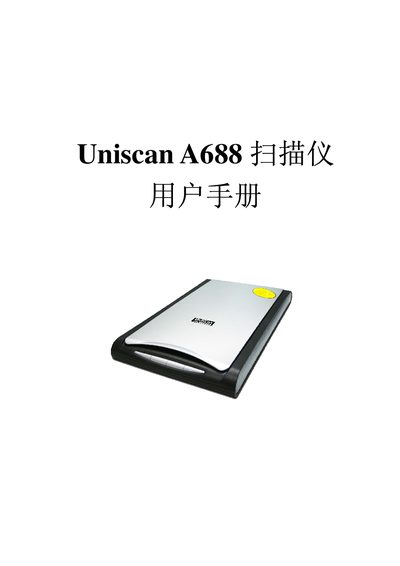
This manual explains how to install the Uniscan A688 scanner, including driver installation via the InstallShield Wizard, connecting the USB interface, and configuring supported software such as TWAIN and Adobe Photoshop. It also covers basic scanning functions, copy, OCR, and e‑mail features.
The specification section lists the scanner’s hardware details, power requirements, supported operating systems, and performance figures such as optical resolution and scan area. Use this information for troubleshooting, maintenance, and ensuring compatibility with your computer system.
| Scan Area | 216 mm x 297 mm |
|---|---|
| Optical Resolution | 4800 dpi |
| Maximum Resolution | 24000 dpi |
| Power Supply | AC 220V +10%, 50Hz / DC 12V 1.254A |
| Dimensions (L×W×H) | 461 mm × 298 mm × 60 mm |
| Supported OS | Windows 98/Me/2000/XP Professional |
The scanner provides an optical resolution of up to 4800 dpi.
It operates on AC 220 V + 10 % at 50 Hz and also accepts a DC 12 V supply of 1.254 A.
The scanner is compatible with Windows 98, Windows Me, Windows 2000, and Windows XP Professional.
The device measures 461 mm in length, 298 mm in width, and 60 mm in height.