
Uniscan A686 is a multi-function scanner that can scan documents, photos, business cards, etc. It supports automatic page turning, automatic correction, automatic rotation, and can be connected to computers, mobile phones, etc., and is easy to use
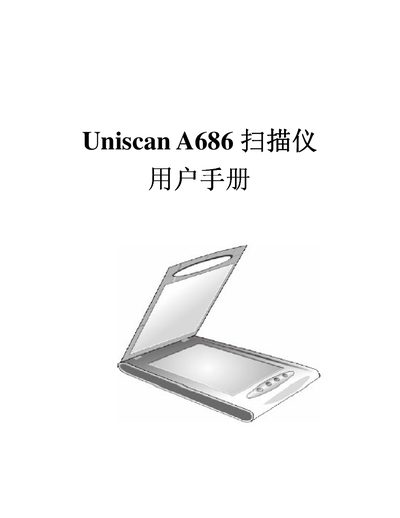
This manual explains how to install the Uniscan A686 platform scanner, including checking accessories, installing driver software, and connecting the USB cable and power adapter. It also covers the protective lock, software installation steps, and testing procedures to verify proper operation.
Additional sections describe the function keys (Scan, Copy, OCR, E‑mail), how to configure them, and details on the TWAIN interface modes. The specification sheet at the end lists technical parameters such as resolution, power consumption and system requirements. This manual is written in Chinese.