
This manual introduces the installation, use and maintenance methods of Uniscan A900 scanner.
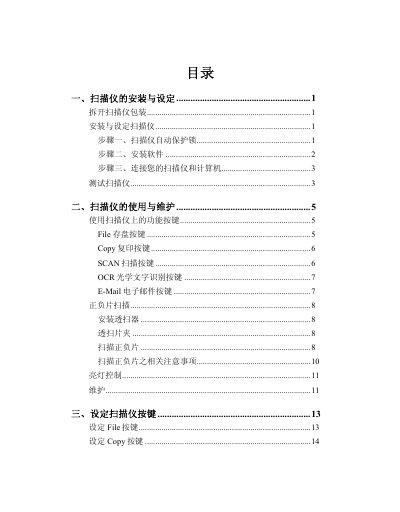
This manual guides users through unpacking, installing the driver software, connecting the scanner via USB, and performing initial tests. Detailed steps cover the automatic protection lock, software installation, and hardware connection.
The guide also explains how to use the five function buttons (File, Copy, Scan, OCR, E‑Mail), configure button settings, operate the TWAIN window, scan reflective and negative media, and perform maintenance. An appendix lists the technical specifications of the A900 model. This manual is written in Chinese.