
Uniscan B880/B980/C880/E70 Scanner is a multi-functional, high-performance desktop flatbed scanner, which can be widely used in home, office, education, medical and other fields.
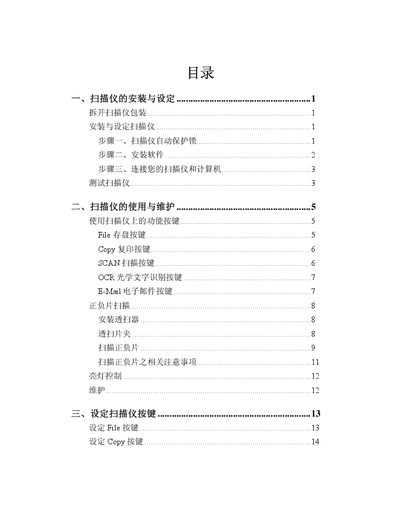
This manual covers the Uniscan B880, B980, C880 and E70 flatbed scanners. It explains how to unpack, install the hardware, connect the USB interface, and install the driver software and optional applications.
Key sections describe the function buttons (File, Copy, Scan, OCR, E‑Mail), the Uniscan TWAIN window, scanning of reflective documents and negatives, and troubleshooting tips. The appendix lists the technical specifications for each model. This manual is written in Chinese.
| Physical dimensions (W×D×H) | 265 x 435 x 78 mm |
|---|---|
| Weight | 2.7 Kg |
| Operating temperature | 10 °C to 40 °C |
| Maximum scan area (reflective) | 216 mm x 297 mm |
| Optical resolution (B880/B980) | 1200 dpi |
| Optical resolution (C880/E70) | 2400 dpi |
| USB interface | USB 2.0 (C880/E70) |
| Power consumption (operating) | Maximum 15 watts |