
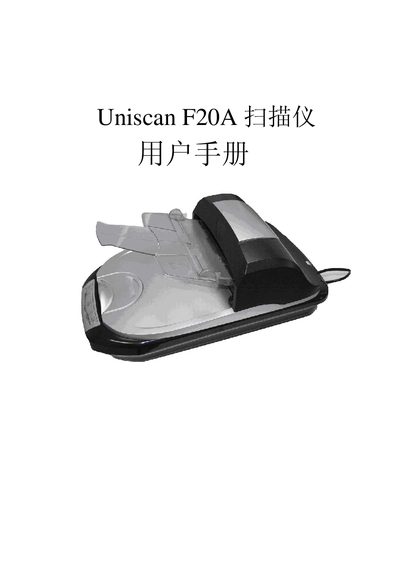
Uniscan F20A Scanner User Manual


Uniscan F20A Scanner User Manual - cover page
Brand
Uniscan
Category
Scanner
Document type
User Manual
Language
English
Pages
30
File format
PDF
File size
1.6 MB
Published
01 October, 2011
Updated
29 September, 2023
Model
F20A
MD5 checksum
770B8D348F032D41C9D7D8376C45EBE4

About this manual

This manual guides users through installing the Uniscan F20A scanner using the provided InstallShield Wizard. It covers the software installation steps, driver setup, and initial configuration.

The document also describes the scanner’s USB 2.0 interface, power requirements (24 V 1.25 A), and includes troubleshooting tips and technical specifications.

What's inside

  • Installation
  • Software Setup
  • USB Interface
  • Troubleshooting
  • Technical Specifications

Specifications

USB Power Supply24 V 1.25 A

Frequently asked questions

How do I install the Uniscan F20A scanner?

Run the Uniscan F20A InstallShield Wizard and follow the on‑screen prompts to install the driver and software.

What type of USB connection does the scanner use?

The scanner connects via a USB 2.0 interface and requires a 24 V 1.25 A power supply.

Download PDF (1.6 MB)

More Uniscan Manuals


View all Uniscan manuals →