
Uniscan B800 Real Use Program User Manual

Uniscan B800 utility user manual, introduces how to install, connect, use, configure Uniscan B800 scanner
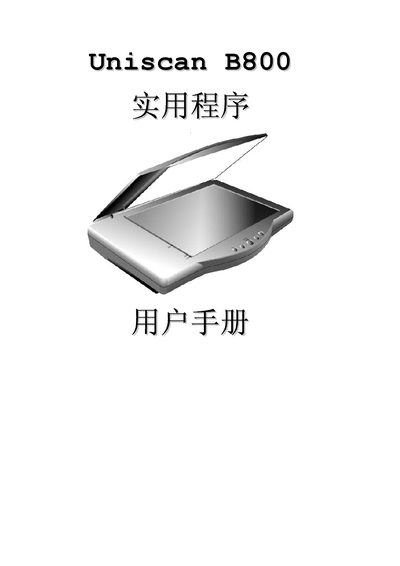

Uniscan B800 Real Use Program User Manual - cover page
Brand
Uniscan
Category
Scanner
Document type
User Manual
Language
English
Pages
55
File format
PDF
File size
2.1 MB
Published
01 April, 2012
Updated
30 September, 2023
MD5 checksum
E3F436BCB87405EE915E561071206AA1

About this manual

This manual introduces the Uniscan B800 scanner, describing its main features and the intended use of the Real Use program. It outlines safety information, hardware overview, and the steps required to install the device on a computer.

Subsequent sections detail the USB 2.0 interface, TWAIN driver installation, basic operation procedures, and troubleshooting tips. Reference tables list technical specifications such as supported resolutions and interface standards.

What's inside

  • Introduction
  • Safety Information
  • Hardware Overview
  • USB Interface
  • TWAIN Interface
  • Installation and Setup
  • Operation
  • Troubleshooting
  • Technical Specifications
Download PDF (2.1 MB)

More Uniscan Manuals


View all Uniscan manuals →