
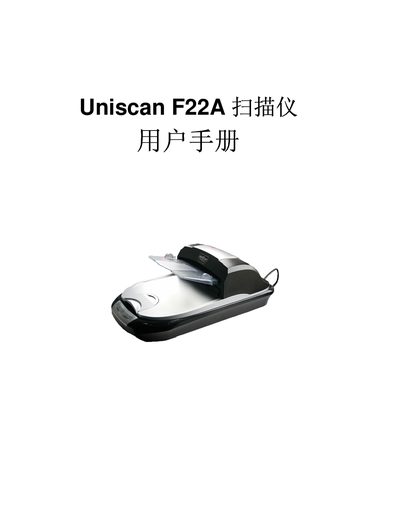
This manual explains how to install the Uniscan F22A automatic document feeder scanner, including unpacking, connecting the power adapter, USB cable and installing the driver software from the supplied CD. It also covers the initial setup of the Smart panel and TWAIN interface.
The guide details normal scanning procedures such as scanning single pages, using the automatic document feeder for multi‑page or up‑to‑5‑meter documents, and adjusting image settings like brightness, contrast, gamma and sharpening. Maintenance tips and basic troubleshooting are included. This manual is written in Chinese.
| Maximum document length | 5 meters |
|---|---|
| Maximum document thickness | 5 mm |
| Power supply | 24V 1.25A |
| USB interface | USB 1.1 or 2.0 |
| Light source | LED |
Insert the supplied CD, run SETUP.EXE and follow the Install Shield Wizard prompts to install the driver.
Yes, the automatic document feeder can scan multi‑page documents up to 5 mm thick and up to 5 m in length, storing them as a single file.
Use the Brightness slider in the Basic Adjustments window; the range is from –127 to 127.