
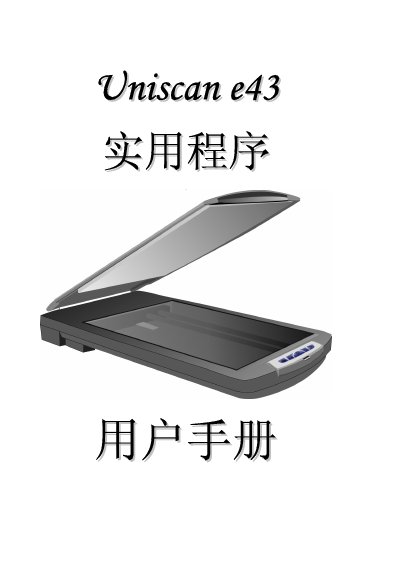
Uniscan e43 Real Use Program User Manual


Uniscan e43 Real Use Program User Manual - cover page
Brand
Uniscan
Category
Scanner
Document type
User Manual
Language
English
Pages
50
File format
PDF
Published
01 April, 2012
Updated
29 September, 2023
MD5 checksum
DF774C307C3560B38A6A3847573AC6F0

About this manual

This manual provides instructions for using the Uniscan e43 Real Use program, including setup, OCR functionality, and TWAIN driver compatibility. It details system requirements, supported operating systems, and configuration steps for optimal performance.

The guide also covers troubleshooting, scanner settings, and integration with applications like Microsoft Outlook and Windows-based systems.

What's inside

  • Introduction
  • System Requirements
  • Installation
  • OCR Settings
  • TWAIN Driver Setup
  • Scanner Configuration
  • Troubleshooting
  • Supported Applications

Specifications

Supported Operating SystemsMicrosoft Windows 98, Me, 2000 Professional, XP Professional

Frequently asked questions

What operating systems are supported?

Microsoft Windows 98, Me, 2000 Professional, and XP Professional.

Which applications are compatible with this scanner?

Microsoft Outlook, Windows-based applications, and other TWAIN-compatible software.

Download PDF

More Uniscan Manuals


View all Uniscan manuals →