
P-touch 3600 is a thermal printer produced by Brother. It supports USB connection and can be connected to IBM PC-DOS, Microsoft Windows, and Macintosh operating systems. It can print labels with bar codes and dates.
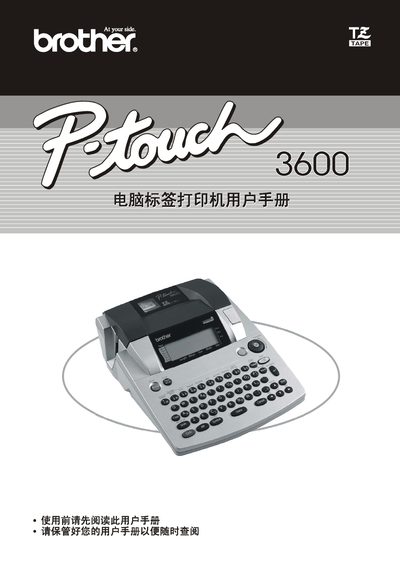
This manual guides users through installing the P‑Touch 3600 label printer, connecting power and media, and configuring basic settings. It also explains how to use the P‑Touch Editor software for creating and editing label designs.
Detailed sections cover text entry (including space, caps, and special characters), formatting options such as font size and style, printing procedures, saving and managing label files, and troubleshooting common issues. Safety and regulatory information are also included. This manual is written in Chinese.
Press the Space bar key.
Use the font size adjustment option in the formatting menu.
Select the Save function to store the file.