
This document introduces the features and characteristics of Brother PT-9500PC thermal label printer.
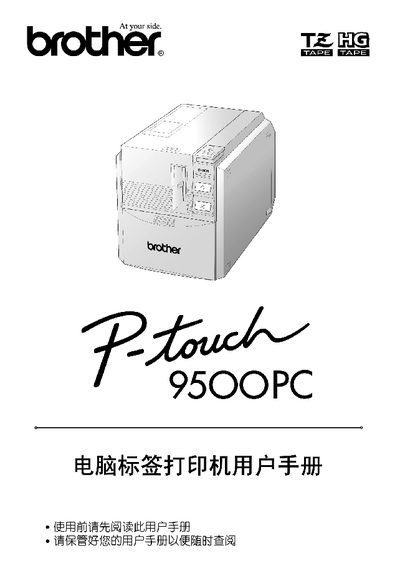
This manual covers safety precautions, handling instructions, and environmental warnings for the PT-9500PC label printer. It also details the required accessories, hazardous material compliance, and proper storage conditions.
Installation instructions include connecting the printer to a PC via USB or RS‑232C, supported operating systems (Windows 95/98/2000/XP, Mac OS 8.6‑9.x, Mac OS X 10.1‑10.2.6), and software setup using P‑touch Editor and Quick Editor. Power requirements and CD‑ROM contents are also listed. This manual is written in Japanese.
| Power Consumption | 70 W |
|---|
The device requires a 70 W power supply.