
This user manual introduces the use of Brother HL-4150CDN HL-4570CDW laser printer. It includes printing methods, drivers and software, operation panel and more.
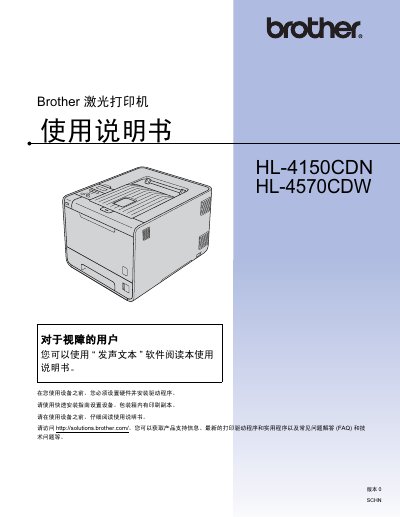
This manual covers everything needed to install and use the Brother HL-4150CDN and HL-4570CDW laser printers, including hardware setup, driver installation, printing methods, and optional accessories. It also includes detailed sections on LCD panel functions, paper handling, and network configuration.
Additional chapters provide regular maintenance procedures, consumable replacement, and a comprehensive troubleshooting guide with error codes and solutions. Appendices list technical specifications, computer requirements, and a FAQ for quick reference. This manual is written in Chinese.
| Supported paper weight | 70 – 90 g/m² |
|---|---|
| Paper thickness range | 80 – 110 µm |
| Paper roughness | greater than 20 sec. |
| Brightness (paper) | greater than 80 % |
| Opacity (paper) | greater than 85 % |
Remove the protective cover, then insert the new toner cartridge into the drum unit, avoiding contact with the shaded area of the cartridge.
Open the indicated paper tray, carefully remove the jammed paper, and ensure the tray contains only the selected paper size before restarting the print job.
Visit http://solutions.brother.com/ to obtain the latest printer drivers, utilities and FAQ information.