
This document is the user manual for Brother QL-1050/1060N label printers, which provides instructions for software installation and usage. It also lists the names and contents of harmful substances in the product.
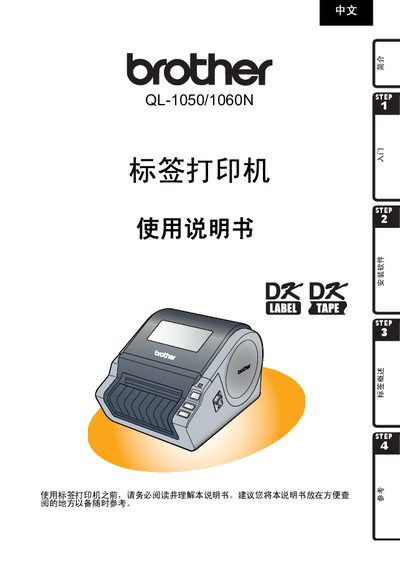
This manual covers the essential information for safely using the Brother QL-1050/1060N label printer, including safety symbols, handling precautions, and recommended operating environments. It also details the installation of DK series label tapes, connection of power and data cables, and software setup.
Additional sections provide troubleshooting tips, maintenance procedures, and a brief overview of the printer’s main specifications such as power requirements and supported label types. This manual is written in Chinese.
| Power supply voltage | 220V‑240V AC |
|---|
It uses DK series label tape, which is made of thermal paper or thermal film.
The printer requires an AC power source of 220 V to 240 V.
No, using CD/DVD labels with the printer is not recommended because it can cause damage to the media.