
PT-7600 printer manual, introduces the printer's characteristics, functions and usage methods.
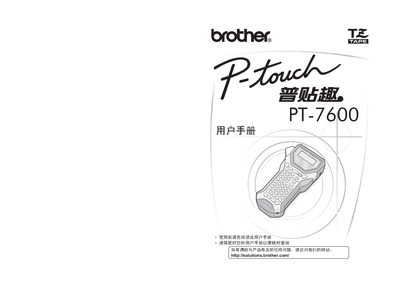
This manual explains the safety precautions and environmental responsibilities for using the Brother PT‑7600 label printer, including proper handling of packaging, hazardous substances, and recycling of parts. It also outlines the required use of original accessories and the importance of following local regulations.
The guide covers preparation before use, step‑by‑step operating procedures, battery installation and replacement, memory management, and formatting functions such as font size and character settings. Troubleshooting tips and warnings about improper battery use or exposure to water are also included. This manual is written in Chinese.
| Battery model | AD-18ES |
|---|---|
| Hazardous substances compliance | Meets SJ/T11363‑2006 limits |
Battery replacement should be performed by an authorized Brother service center.
No, the printer must not be immersed in water or exposed to moisture.