
This document provides instructions for using Brother laser printers HL-2130, HL-2240D, and HL-2250DN. The document provides steps for hardware setup and driver installation, as well as explanations of printing methods, paper handling, duplex printing, and other features. It also covers the installation and uninstallation of printer drivers and software, as well as general maintenance and troubleshooting steps.
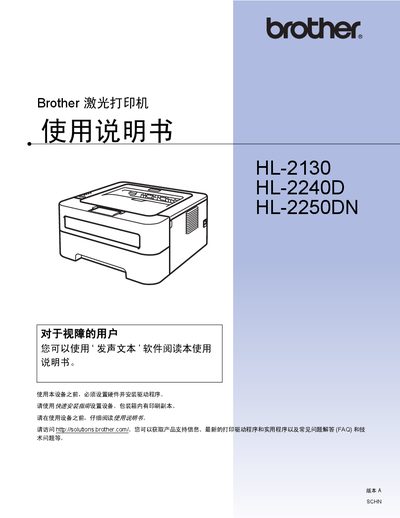
This manual guides users through the safe installation and initial setup of the Brother HL series laser printers, including hardware connection, driver installation for Windows and Macintosh, and safety precautions. It also explains the various printing methods, paper handling, and duplex options available for each model.
Further sections cover the operation panel functions, regular maintenance tasks such as cleaning and toner replacement, and detailed troubleshooting steps for common issues. An index and reference tables help locate specific information quickly. This manual is written in Chinese.
Automatic duplex printing is supported on the HL‑2240D and HL‑2250DN models and is described in the manual under the auto duplex printing section.