
The document describes the features and characteristics of the 2420PC product.
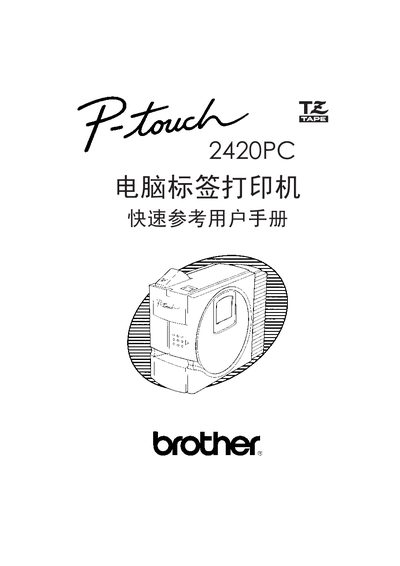
This manual guides users through unpacking, safety precautions, and the proper installation of the PT-2420PC label printer, including power‑supply connection and USB cable setup. It also details the required software installation steps for Windows and Macintosh systems.
Further sections cover label‑ribbon replacement, routine cleaning, troubleshooting tips, and a full list of compatible label tapes and technical specifications. The document ends with an appendix of part numbers and regulatory information. This manual is written in Chinese.
| Label tape width | 12 mm |
|---|---|
| Supported label tape series | Brother TZ series (e.g., TZ‑631, TZ‑735, TZ‑B31) |
| USB interface | Standard USB Type‑B cable for PC connection |
No. Only Brother TZ series label tapes may be used with the PT‑2420PC.
First install the label‑design software and printer driver, then connect the USB cable to the PC. Do not connect the printer before the software is installed.