
This document is a user manual for the HP Photosmart 3100 All-in-One series printer, providing information on safety precautions and basic operation instructions.
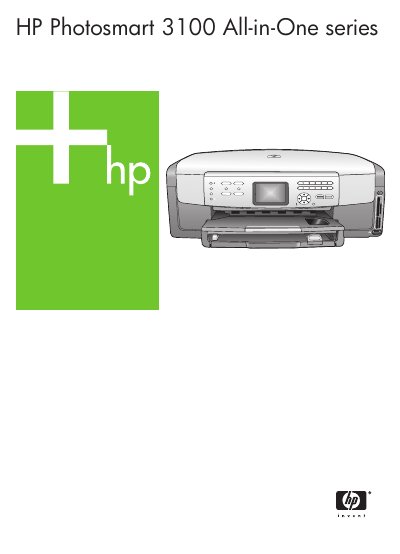
The HP Photosmart 3100 All-in-One is a multifunction printer that combines printing, copying, scanning, faxing, and photo functions in a single compact device.
This manual guides users through initial setup, control‑panel operation, loading media, using the HP Image Zone software, and includes maintenance, troubleshooting, and warranty information. This manual is written in Chinese.
| Copy speed (black & white) | up to 32 pages per minute |
|---|---|
| Copy speed (color) | up to 31 pages per minute |
| Main paper tray capacity | 100 sheets |
| Height | 21 cm |
| Weight | 11.15 kg |
| Maximum scan resolution (optical) | 4800 × 4800 dpi (up to 19 200 dpi enhanced) |
| Supported storage card types | CompactFlash, Memory Stick, Memory Stick Pro, Memory Stick Magic Gate, Secure Digital, MMC, xD |
The main paper tray can hold up to 100 sheets.
The device can copy up to 32 black‑and‑white pages per minute.
Supported cards include CompactFlash, Memory Stick (and variants), Secure Digital, MMC, and xD cards.