
This document is the user guide for the HP LaserJet M4345 series MFP. The document provides information on the copyright and license for the product, as well as details on the device's basic information, feature comparison, troubleshooting, accessories and consumables, interface ports, etc. It also covers information on the device software, supported operating systems, printer drivers, control panel, input/output configuration, media and paper trays, etc.
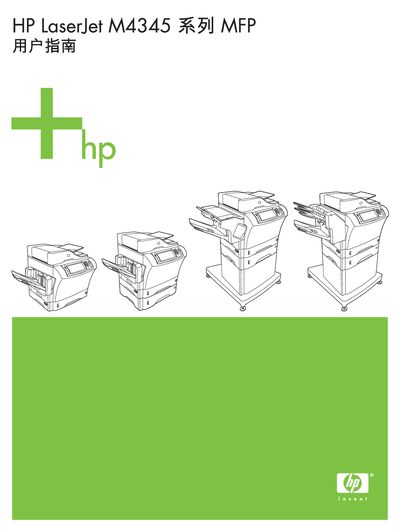
This guide covers the basic functions of the HP LaserJet M4345 multifunction printer, including installation, loading paper and consumables, configuring network settings, and using the control panel. It also explains supported operating systems and software utilities such as HP Web Jetadmin and Easy Printer Care.
Additional sections address troubleshooting, double‑sided printing, custom page sizes, and how to stop a current print job from the control panel. The manual includes detailed diagrams and step‑by‑step procedures for everyday use and service tasks. This manual is written in Chinese.
| Part number | CB425-90947 |
|---|
The part number is CB425-90947.
Use the control panel to stop the current print job.