
This document is the user manual for HP Photosmart 2570 All-in-One series printer, which describes the features and usage instructions of this printer.
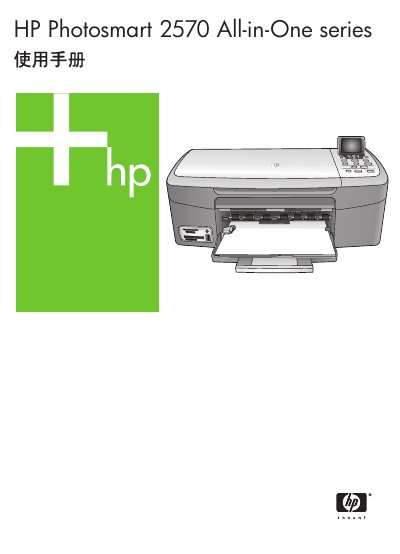
This manual describes the HP Photosmart 2570 All-in-One hardware features, control panel functions, and how to access the HP Image Zone software for printing, copying, scanning, and photo/video tasks. It also covers safety information, network configuration, and media handling.
Detailed sections guide users through installing software, connecting to wired or wireless networks, loading paper and media, using copy and scan functions, performing maintenance such as cleaning and ink checks, and accessing technical specifications and warranty support. This manual is written in Chinese.
| Supported paper sizes | Letter 216 × 280 mm, A4 210 × 297 mm, A5 148 × 210 mm |
|---|---|
| Print speed (black & white) | Up to 30 pages per minute |
| Print speed (color) | Up to 24 pages per minute |
| Scan optical resolution | Up to 2400 × 4800 dpi (optical) |
| Power consumption | Maximum 80 W |
| Recommended operating temperature | 15 °C to 32 °C |
Only the HP‑supplied power adapter should be used.
The device is recommended to operate between 15 °C and 32 °C.