
HP Officejet 4300 All-in-One User Manual, introduce how to install, use and maintain the product.
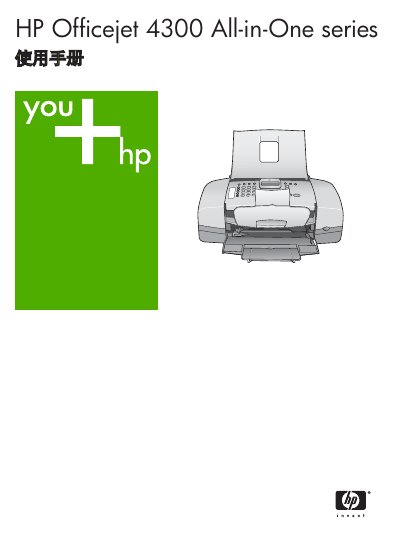
This manual covers the HP Officejet 4300 All-in-One series, describing the hardware layout, control panel functions, and menu structure. It guides users through installing the device, connecting to a computer, and configuring fax, copy, and scan settings.
Additional sections detail paper handling, printing specifications, consumable ordering, troubleshooting tips, warranty information, and technical specifications such as dimensions, power requirements, and environmental limits. This manual is written in Chinese.
| Paper tray capacity (plain paper) | 100 sheets |
|---|---|
| Print resolution (color) | 600 x 1200 dpi |
| Scan resolution (optical) | 1200 x 1200 dpi |
| Physical height | 330.2 mm |
| Power input (AC) | 100‑240 VAC, 1 A, 50‑60 Hz |
| Recommended operating temperature | 15 °C – 32 °C (59 °F – 90 °F) |
Only the power adapter supplied by HP should be used.
The device is recommended for use between 15 °C and 32 °C (59 °F to 90 °F).
Up to 99 copies can be produced in one job, depending on the model.