
This manual is for HP Officejet 4100 Series All-in-One, it mainly introduces the printer's usage, installation, maintenance methods
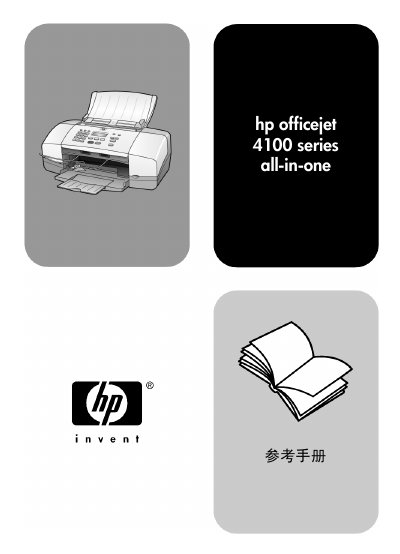
This reference manual covers the HP OfficeJet 4100 Series all‑in‑one printer, detailing installation, loading media, and using the copy, scan, and fax functions. It also includes troubleshooting help, safety warnings, and instructions for connecting the device to a computer or telephone line.
The later sections provide technical information such as physical dimensions, power requirements, and regulatory compliance, as well as warranty details and how to obtain support or order consumables. This manual is written in Chinese.
| Maximum Power Consumption | 75 W |
|---|---|
| Input Voltage | 100‑240 VAC, grounded |
| Input Frequency | 50/60 Hz |
| Maximum Current | 1 A |
| Ringer Equivalence Number (REN) | 0.3 B |
The manual lists the maximum power consumption as 75 W.
Double‑click the “HP 控制器” icon on the desktop or navigate through Start → Programs → Hewlett‑Packard → hp officejet 4100 series → hp 照片及图像控制器.