
This is a user manual for a multifunction printer, which includes instructions on how to use the copy, fax, scan, and print functions.
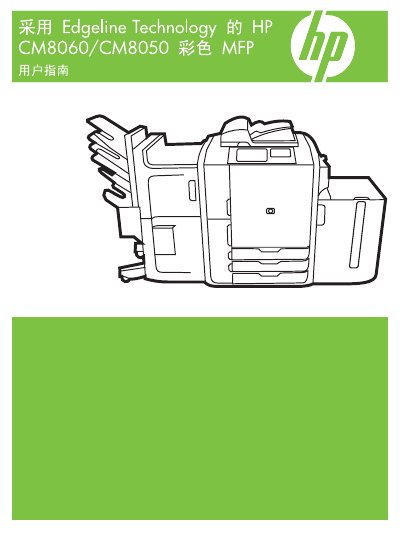
This manual introduces the HP CM8060/CM8050 Color MFP, covering safety information, device components, front and rear views, and paper‑tray configurations. It explains how to load paper, use optional accessories such as staplers, and navigate the control panel and touchscreen.
The guide details how to perform copying, scanning, faxing, and printing from both Windows and Macintosh computers, manage jobs, adjust settings, and carry out routine maintenance like cleaning and toner replacement. A troubleshooting section helps resolve common issues such as paper jams and error messages. This manual is written in Chinese.
| Paper tray 1 capacity | 80 sheets of standard paper |
|---|---|
| Paper tray 2 capacity | 500 sheets of standard paper |
| Paper tray 3 capacity | 500 sheets of standard paper |
| Paper tray 4 capacity | 500 sheets of standard paper |
| Paper tray 5 (optional high‑capacity) capacity | 4000 sheets of standard paper |