
The HP PSC 1400 All-in-One series is a multi-function printer developed by Hewlett-Packard. This product offers printing, scanning, and copying capabilities, making it suitable for both home and office environments. It features an easy-to-use control panel and status indicator lights, and supports HP Image Zone software for additional functionality on a computer. Additionally, the document provides safety warnings and precautions to ensure user safety.
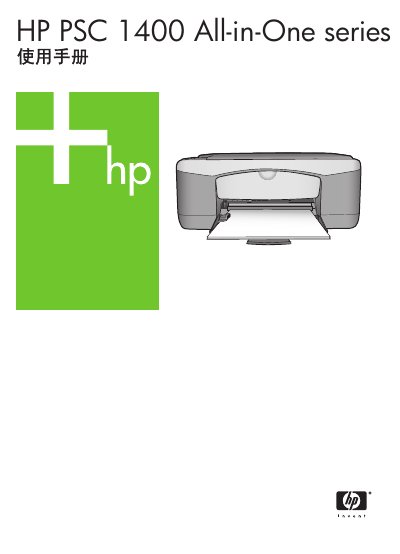
The HP PSC 1400 All-in-One manual provides step‑by‑step instructions for using the printer’s core functions such as printing, copying, scanning and HP Image Zone. It also details paper handling, status indicators, and troubleshooting procedures.
Technical information includes hardware dimensions, power requirements, print and scan resolutions, and recommended operating environments, helping users maintain optimal performance and safety. This manual is written in Chinese.
| Physical dimensions (H × W × D) | 16.97 cm × 44 cm × 25.9 cm |
|---|---|
| Weight | 4.5 kg |
| Power consumption (max) | 80 W |
| Input voltage | AC 100‑240 V, 50‑60 Hz |
| Maximum print resolution (color) | 4800 × 1200 dpi (optimized) |
| Maximum scan optical resolution | 600 × 2400 dpi |
| Recommended operating temperature | 15 °C – 32 °C (59 °F – 90 °F) |
The printer can produce up to 4800 × 1200 dpi optimized color resolution.
The device can copy up to 18 black‑and‑white pages per minute, depending on the model.
The recommended operating temperature range is 15 °C to 32 °C (59 °F to 90 °F).