
This manual is the user guide for bCool XG1 Multimedia Projector, introducing the projector's features, usage methods, installation, maintenance and other information.
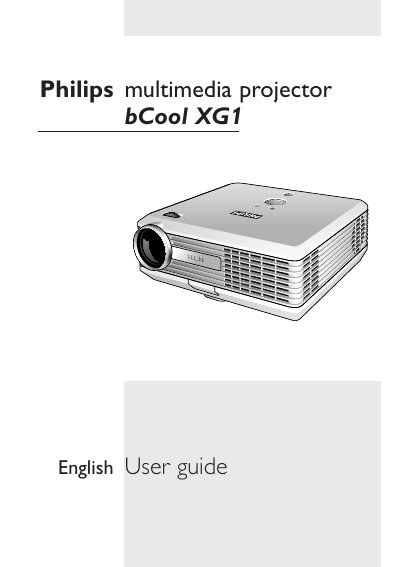
This user guide covers everything needed to install and use the Philips bCool XG1 multimedia projector. It includes packaging contents, connection options, positioning tips, and detailed instructions for operating the remote control, menu system, and image adjustments.
The manual also explains lamp replacement, safety precautions, cleaning procedures, and troubleshooting steps for common issues such as lamp errors, fan failures, and image distortion. Reference tables list supported video formats and computer input specifications.
| Horizontal scan rate | 15-100 kHz |
|---|---|
| Vertical refresh rate | 43-100 Hz |
Open the menu, select Setup, choose Lamp counter, and press OK to reset the lamp counter.
A blinking red standby indicator signals a temperature error or that the projector is cooling down.
Follow the Lamp replacement procedure described in the Maintenance section of the guide.