
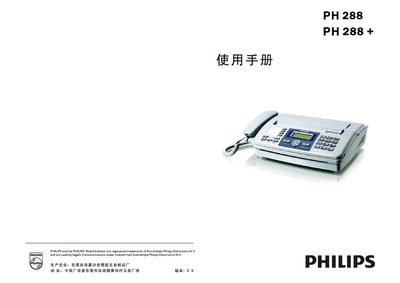
This manual introduces the PH288 and PH288+ fax machines, covering safety precautions, box contents, and a detailed description of the device's appearance and control panel. It guides users through installation, wiring, and loading thermal paper.
The guide also explains how to send and receive faxes, configure settings such as language and dialing, and perform routine maintenance and troubleshooting, including paper jam removal and cleaning procedures. This manual is written in Chinese.
| Memory Size | 1024 KB |
|---|---|
| Language | Chinese |
| Modulation Rate | 9600 bps |
| Power (Standby) | ≈38 W |
| Dimensions | 395 mm × 345 mm × 160 mm |
| Weight | ≈3.3 kg |
| Input Voltage | 220 V AC / 50 Hz |
Open the thermal paper cover, remove the jammed paper, trim any torn pieces, and reinstall the paper correctly.
Enter the settings menu, select the language option, and choose Chinese (or other available languages).
Check that the telephone line is correctly connected to the LINE jack and that the dialing mode is set correctly.