
This document is a user guide for the Philips LC5241 and LC5231 multimedia projectors. It describes the features and characteristics of the products.
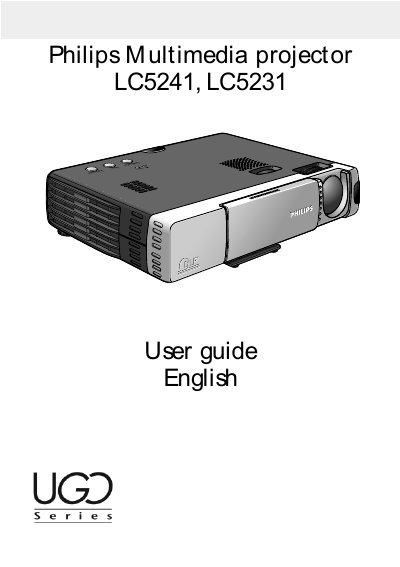
This guide covers all aspects of the Philips LC5241 and LC5231 multimedia projectors, including controls, connections, and the full range of video, audio, and mouse inputs. It explains how to install the projector, adjust focus, zoom, keystone, and use the remote control as a wireless mouse.
Safety precautions, lamp replacement, cleaning procedures, and troubleshooting tips are detailed to ensure reliable, long‑term operation. The manual also lists technical specifications such as brightness, weight, and supported resolutions.
| Brightness | 1000 ANSI lumens |
|---|---|
| Weight | 1.5 kg (3.3 lbs) |
| Lamp life | ≈ 1000 hours |
| Supported resolutions | XGA, SXGA (LC5241) / S‑VGA, XGA (LC5231) |
| Input options | Video, S‑Video, Data (YCbCr), Audio in, Mouse |
Replace the lamp when the status indicator comes on; the lamp should not be used beyond about 1000 hours of operation.
Press the Standby/On button; the indicator lights orange in standby and flashes green when the lamp starts up, then stays green when the projector is on.
Unplug the projector before cleaning, use a soft dry cloth or a vacuum with a brush attachment, and avoid liquids or aerosol cleaners.